Models
Which model to use, and when. Capability comparisons, per-model guides, and what each one is actually good at for narrative work.
Same references, same aspect ratios, three different resolution ranges. And the one without "Pro" in the name has the most options.
Twelve models interpolate between two anchors. Five take a start frame only, and one has no frames section at all.
Same duration, same resolutions, same aspect ratios. Two settings differ, and both of them decide the workflow.
A long continuous take removes every continuity problem at once, and introduces one that's harder to fix.
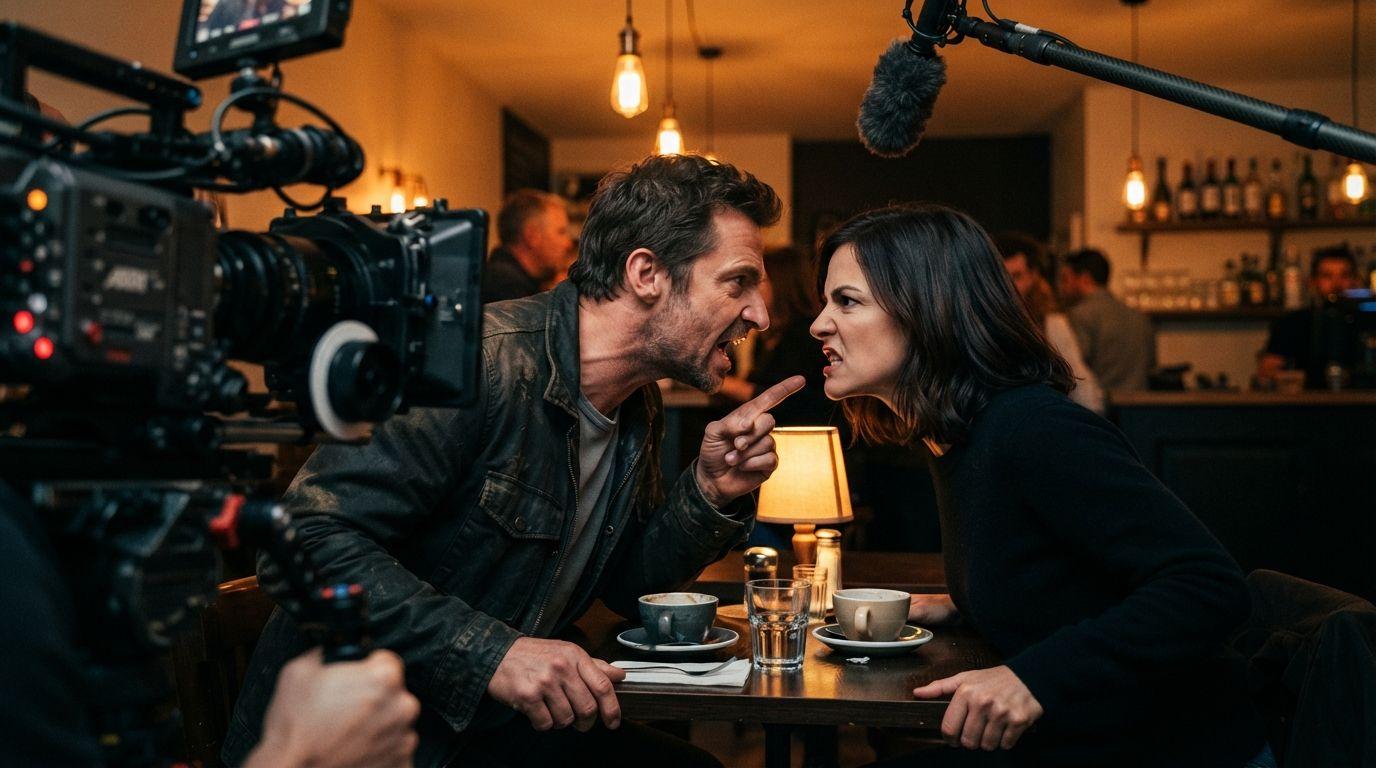
Three models, three different answers, and the deciding factor is usually duration rather than anything about faces.
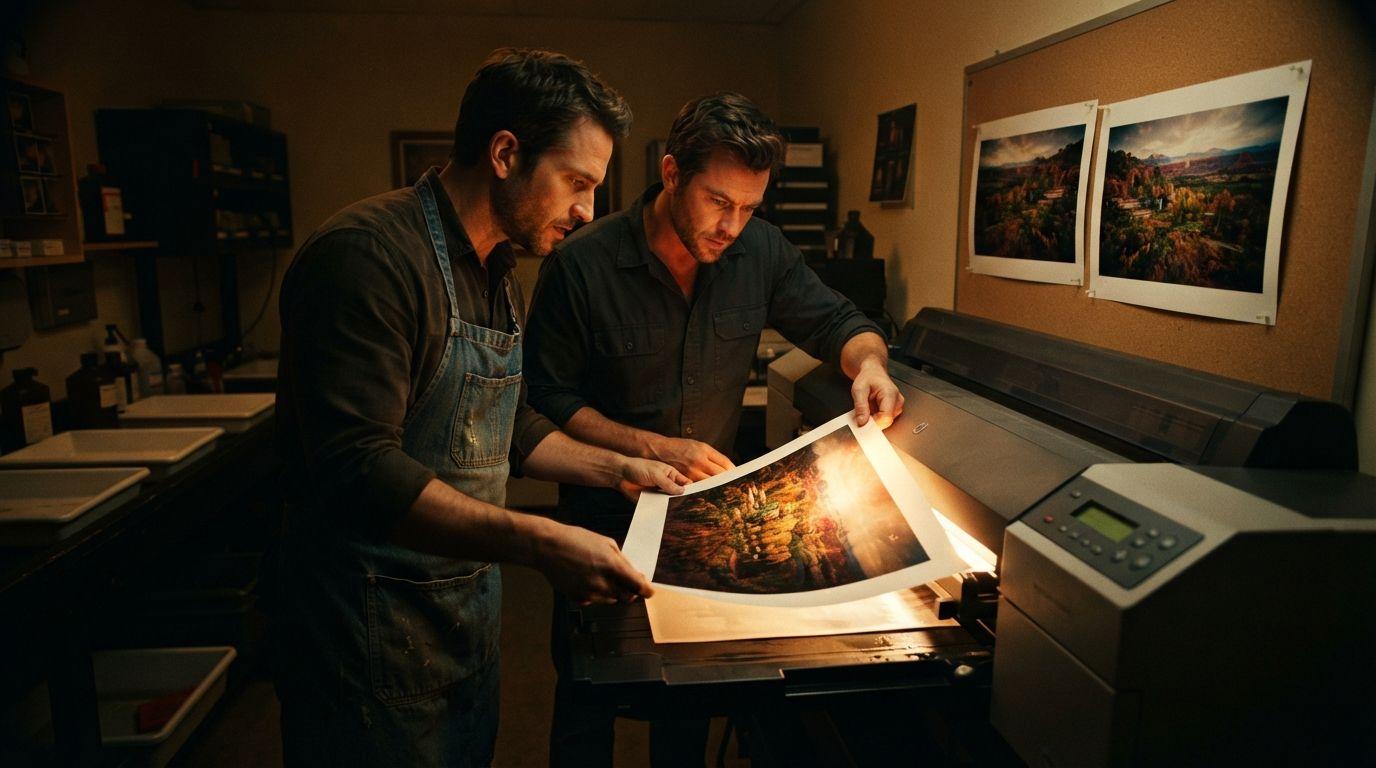
Same sixteen references, and that's where the similarity ends. One batches ten at a time — and it isn't the one whose description says so.
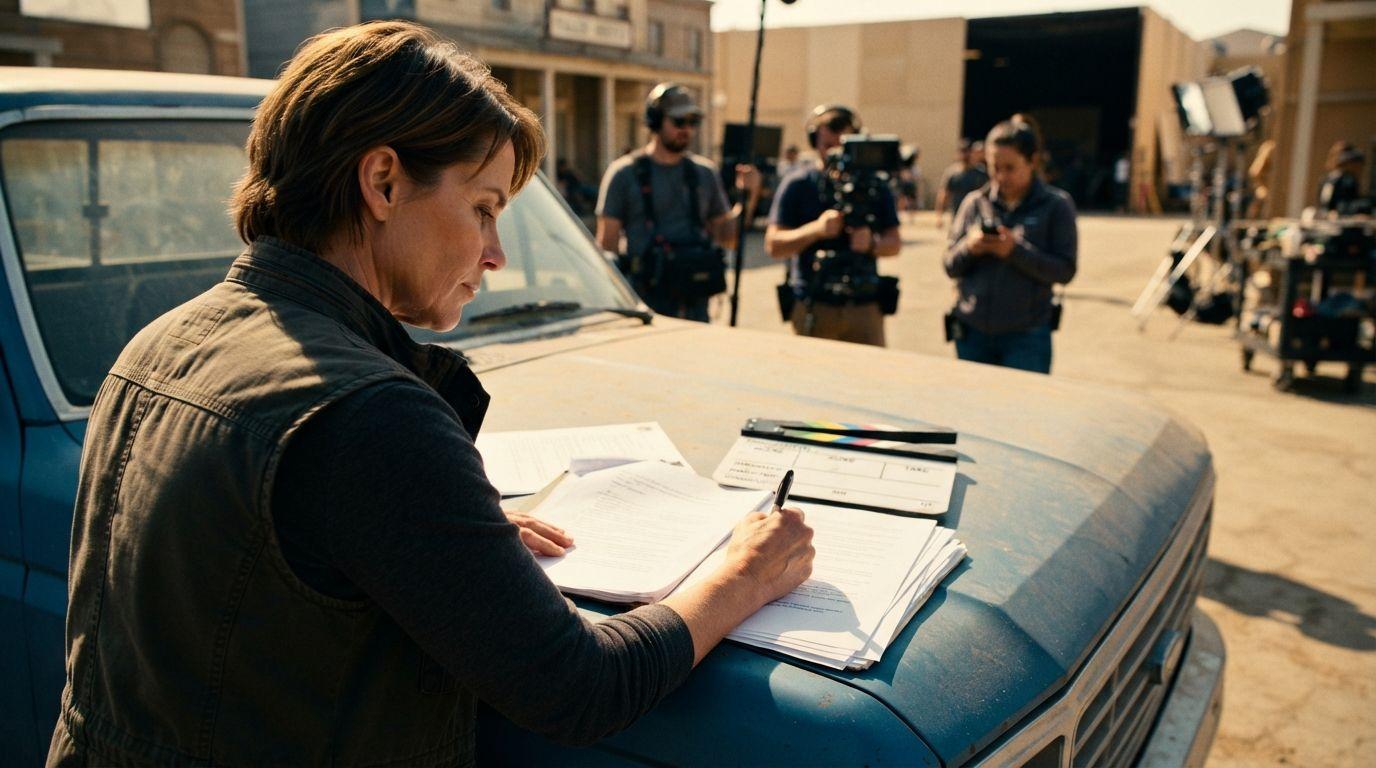
Every model comparison ranks output quality. None of them rank the risk that a studio's lawyer turns up.
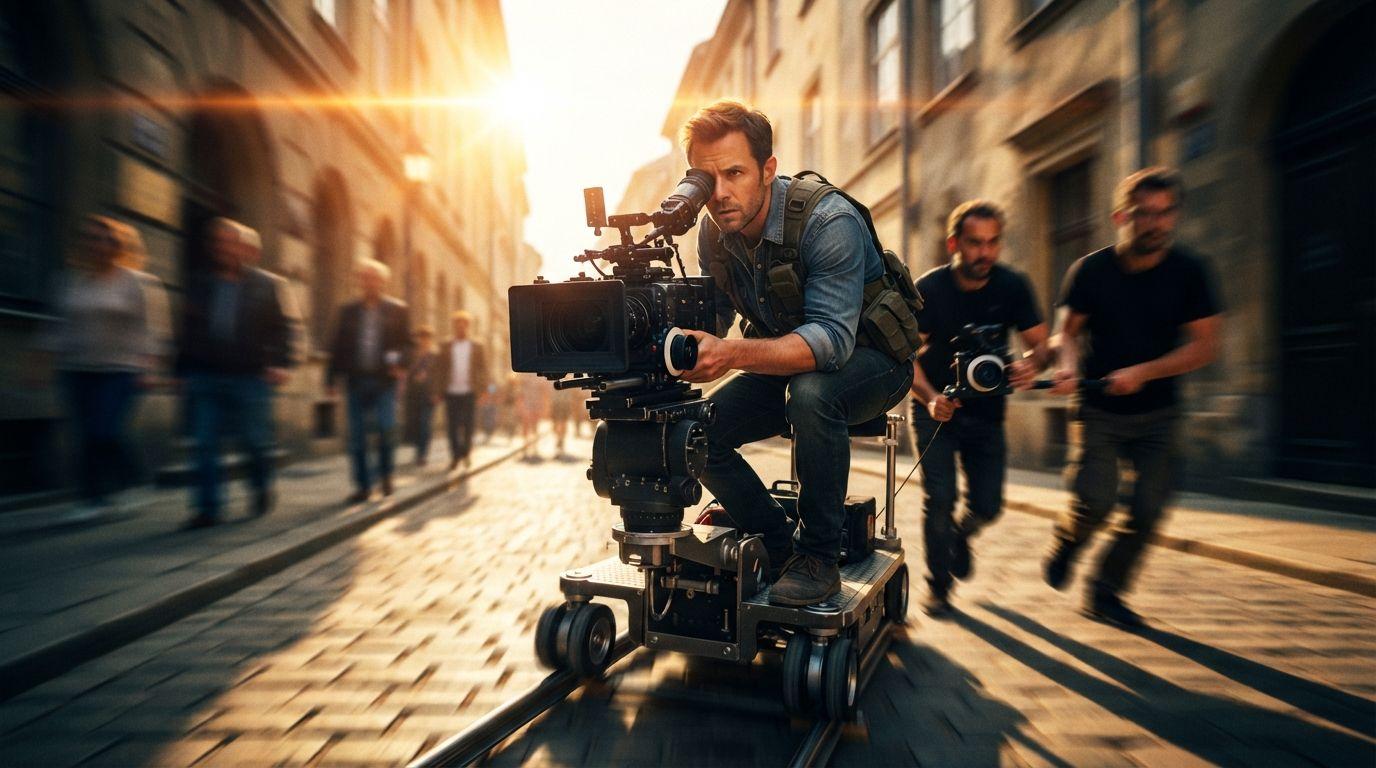
One pipeline, two mandatory inputs, and a prompt field that must not describe motion. It's the only mode where writing more makes the output worse.
Klein halves the references. Max and Pro are identical on every setting the picker shows, which leaves the descriptions doing all the work.
Four models, and the flagship isn't the most capable on every axis. One of the cheaper two does 4K and it doesn't.
These aren't two versions of the same model. One composes from references; the other restyles footage and won't take an image at all.
The newer Pro model caps at 2K. The older one does 4K and generates fifteen at once. Three settings differ and none runs the way the version numbers suggest.
Everything to learn about content creation, in your inbox.
A weekly digest of new posts. No spam, unsubscribe anytime.
We’ll only use this for the blog digest. Privacy policy